

About Course
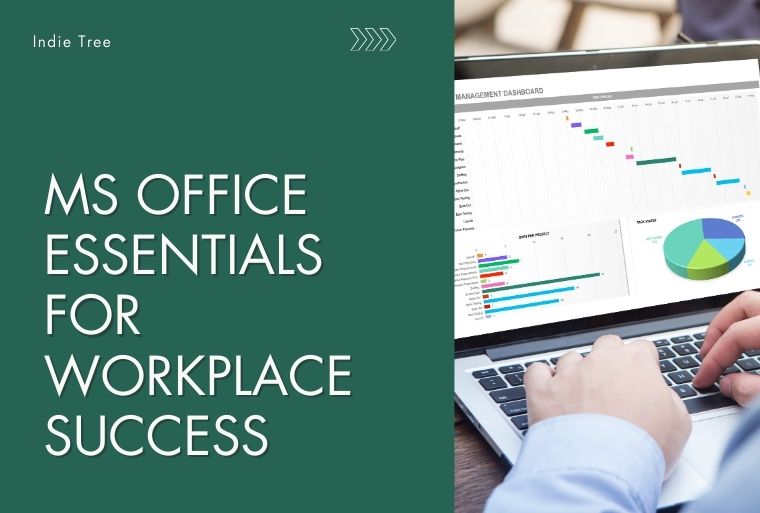
This course equips learners with practical skills in Microsoft Office—Word, Excel, PowerPoint, Outlook, and OneNote—for professional workplace productivity. Students will gain confidence in creating documents, spreadsheets, presentations, and managing emails efficiently. Each lesson is hands-on and designed for immediate application.
Course Content
Microsoft Word – Professional Document Creation
-
Introduction to Microsoft Word
-
Document Formatting Basics
-
Working with Tables
-
Headers, Footers, and Page Numbers
-
Working with Images, Shapes, and SmartArt
-
Styles, Themes, and Templates
-
Review Tools
-
Practical Project